Octolens MCP lets AI agents securely access your social listening data. MCP (Model Context Protocol) is a standard that allows AI tools to connect with third-party APIs in a secure, consistent way. In this case, MCP connects AI tools to your Octolens workspace, so you can query mentions, analyze conversations, and build custom reports from your existing monitoring data.Documentation Index
Fetch the complete documentation index at: https://octolens.com/docs/llms.txt
Use this file to discover all available pages before exploring further.
- “Generate a share of voice graph using my BRAND, COMPETITOR 1, COMPETITOR2, and COMPETITOR3, and include percentage share, mention volume, as well as sentiment breakdown”
- “Show me all Reddit mentions from the last week where sentiment is negative”
- “Analyze competitor positioning from recent Twitter conversations”
- “Generate a summary of feature requests from the last 7 days”
How to Use Octolens MCP
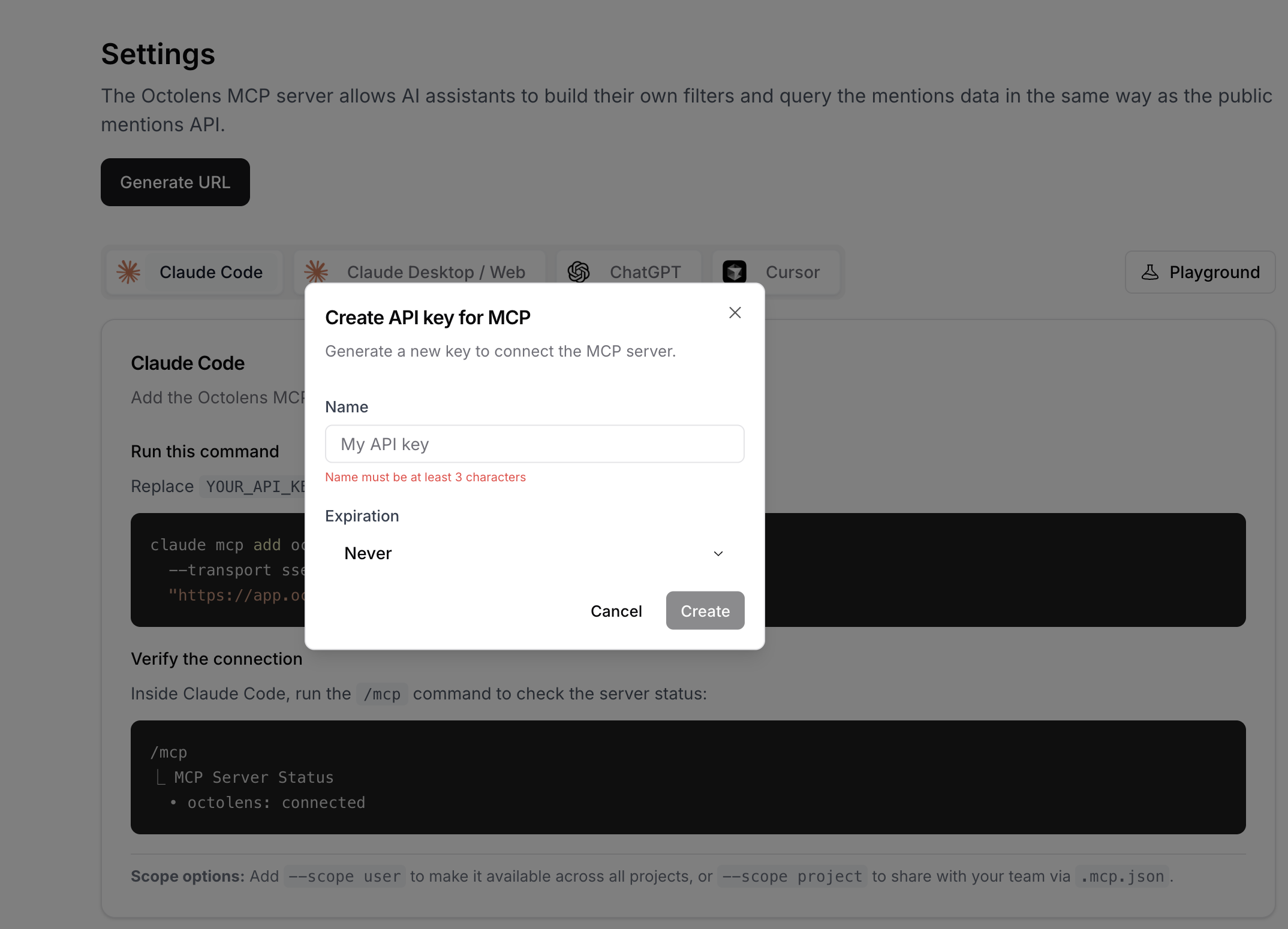
In Octolens, navigate to Settings and then the MCP tab. You will need to generate your MCP URL to connect your Octolens account and data to any of our supported AI tools.- Click Generate URL
- Choose a name for your API key
- Choose an expiration date for your API key from the dropdown
- Click Create
- Copy the URL
MCP is intended for interactive AI-client workflows. For scripts, backend jobs, or production integrations, use the REST API.